
5 guides with live demos
Scroll animation guides for WordPress
Scroll animation in WordPress usually comes down to five scroll effects – the same five behind most “Apple-style” pages: a scene that holds still while its content changes, a row that moves sideways, a 3D model that turns, words that rise into place, and layers at different depths. These guides show each effect live, explain when it helps – and when it doesn’t – and walk through it step by step in Midground’s visual editor, with phones, reduced motion and performance covered. Every demo opens in your browser, no sign-up.
Five effects, five guides
Which effect fits your page?
| You want to… | Use | Guide |
|---|---|---|
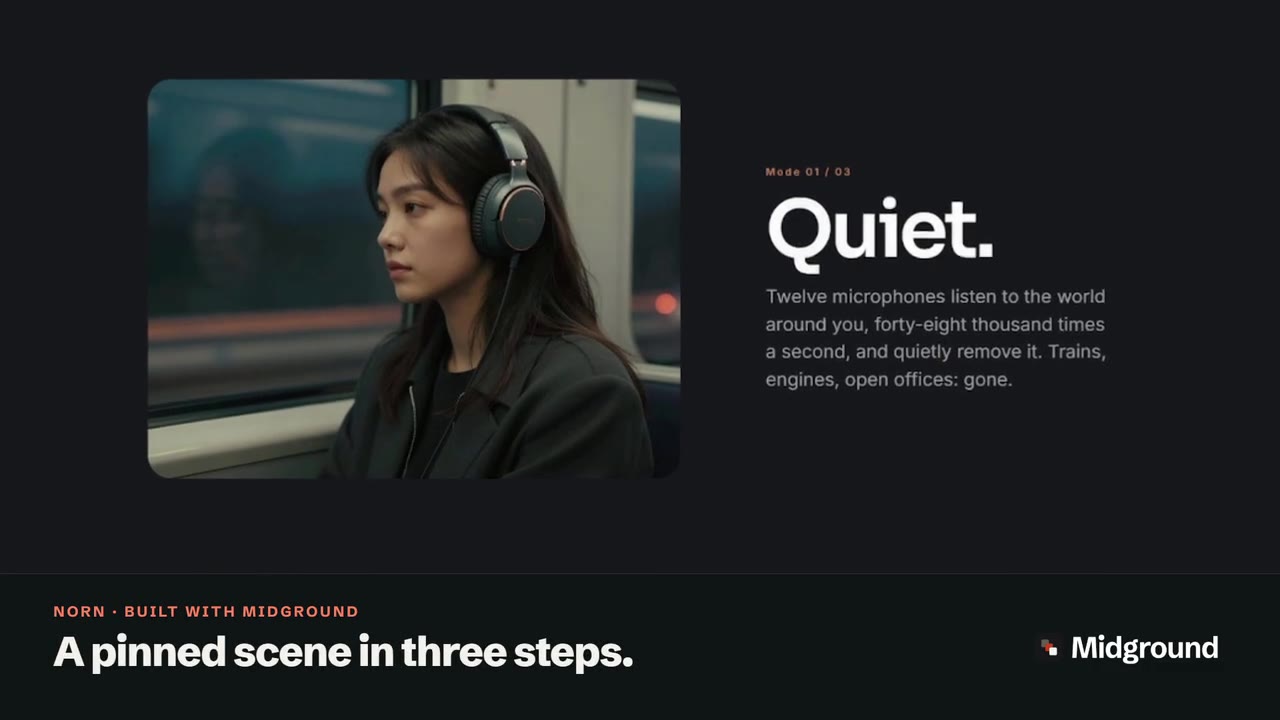
| Tell a story in steps while the picture stays | Pinned scene | Sticky scroll animation |
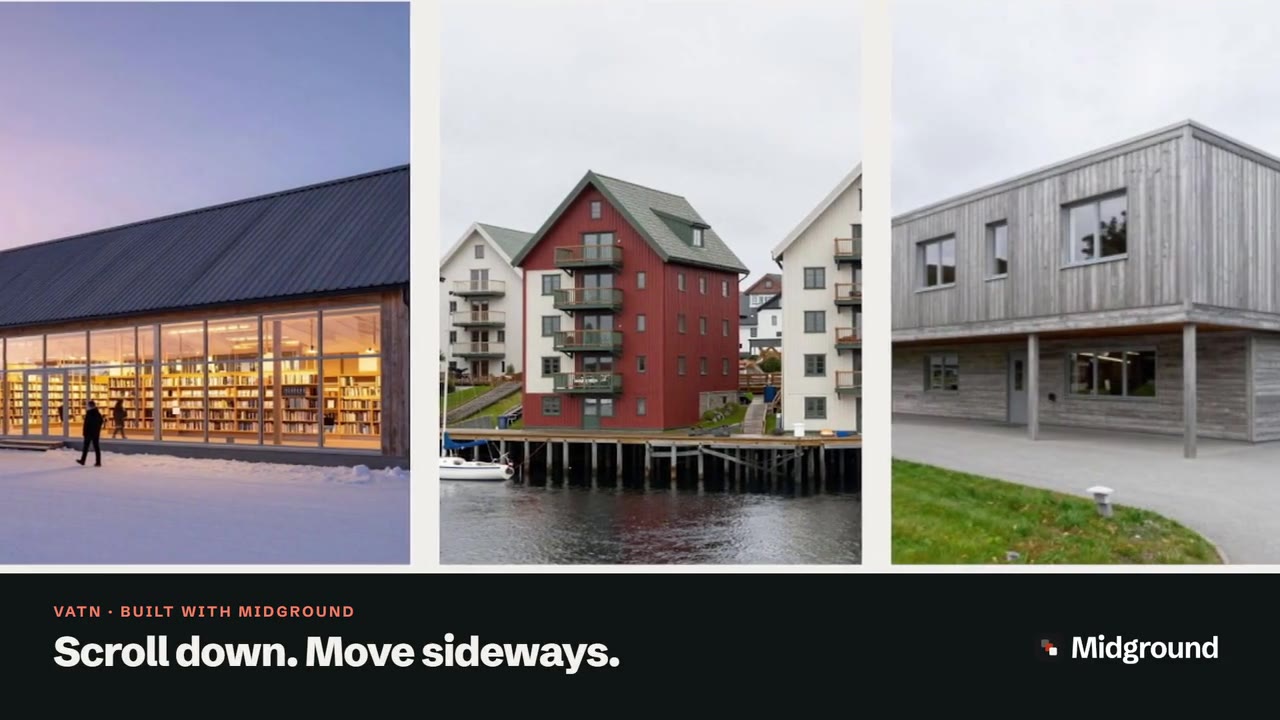
| Show many projects or products without a long page | Horizontal sequence | Horizontal scroll |
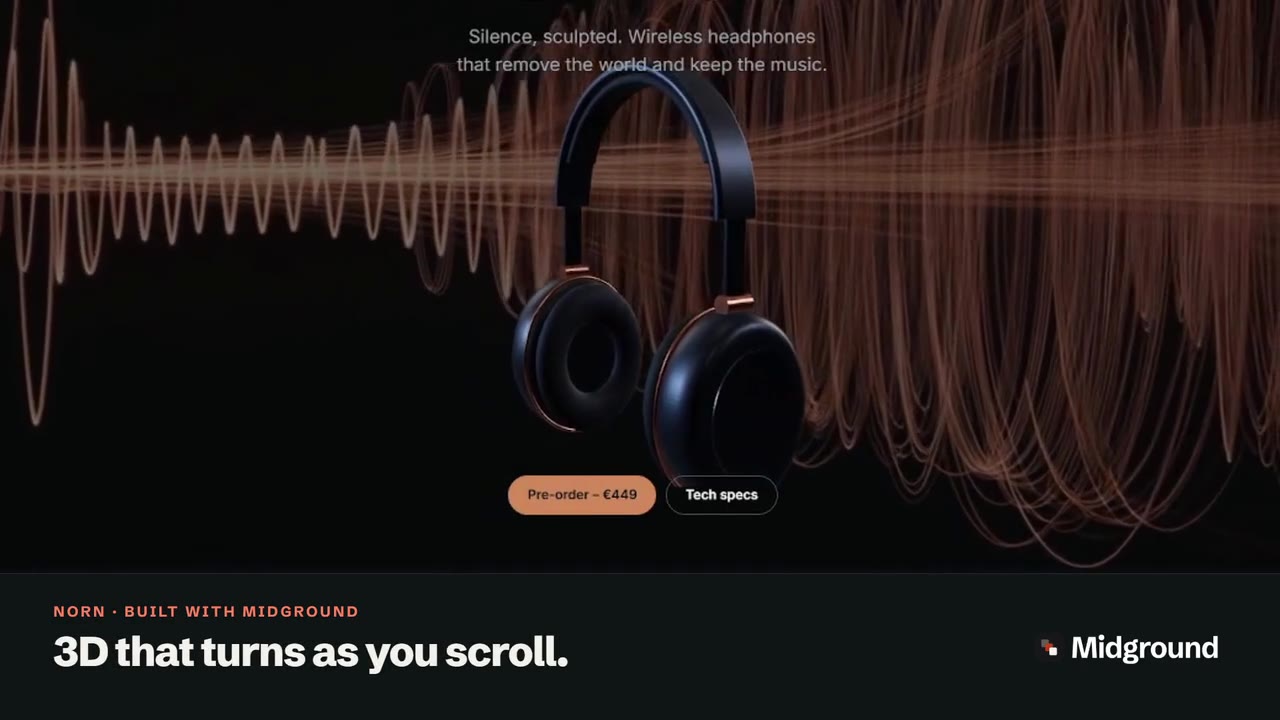
| Let people look at a product from every side | 3D model | 3D model (GLB) |
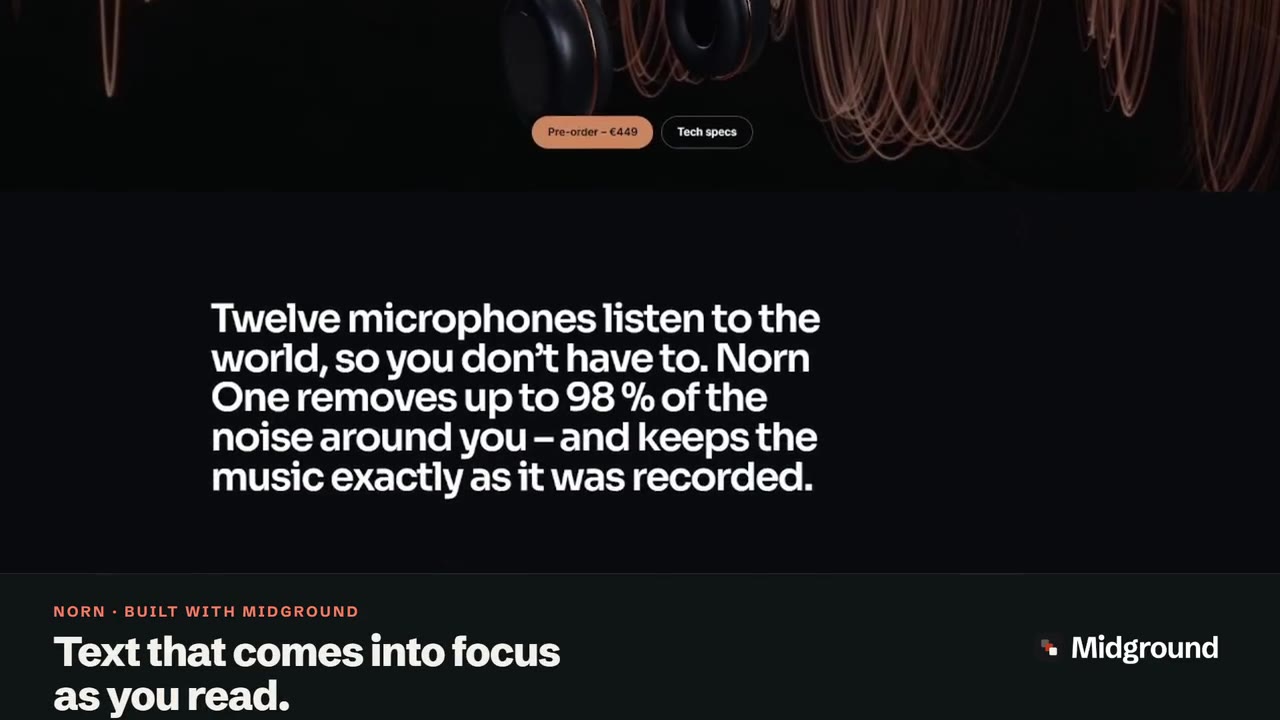
| Give a headline an entrance | Text effects | Text reveal on scroll |
| Add depth to a hero or a chapter break | Parallax section or Depth group | Parallax effect |
One page, all five
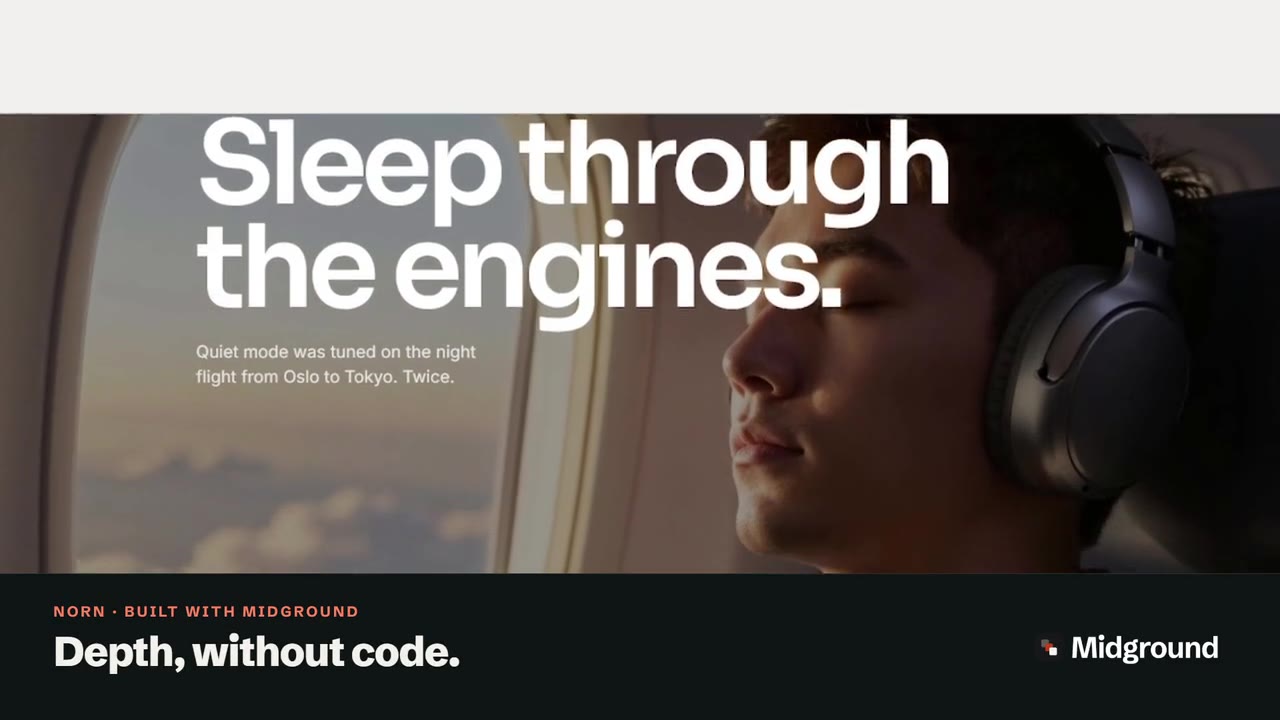
The Norn demo uses every effect on one page: headphones that turn as you scroll, a scene in three acts, a sentence that comes into focus, a row of details that moves sideways and a parallax picture. That is the kind of page people mean by Apple-style scroll pages in WordPress – and, with more words, scrollytelling in WordPress, like our scroll story about Norway’s deepest fjord.
Motion that respects people
More in the user guide: the Motion tab in the user guide and accessibility habits.